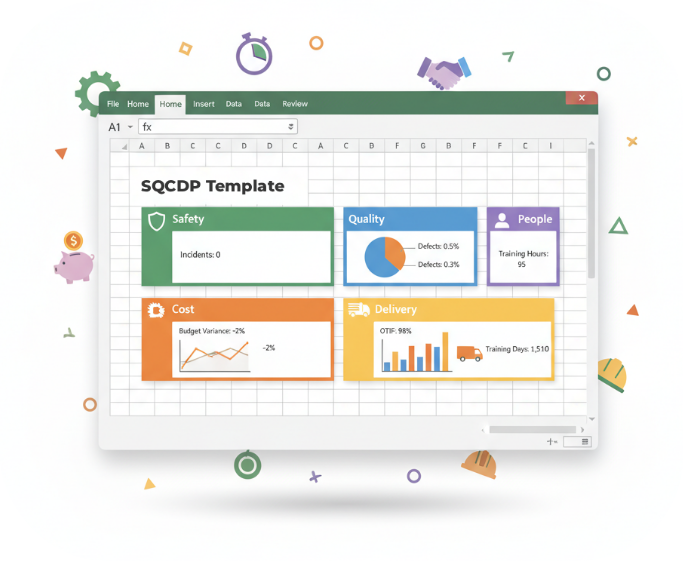
SQCDP Excel Template – A Practical Starting Point for Structured Daily Management
Download a free SQCDP Excel template from LTS Data Point to track Safety, Quality, Delivery, Cost, and People metrics with clarity and build the discipline needed before moving to a real-time digital dashboard.
SQCDP Excel Tracker – Start Structured. Scale When Ready
A practical SQCDP Excel template built to help teams implement Daily Management the right way - before moving to full digital visibility.
Most teams don't fail at SQCDP because of intent. They fail because they start with tools instead of structure.
This free, easy to use template is designed to help you implement SQCDP properly, understand where Excel works (and where it breaks), and choose the right next step with confidence.
Grab your SQDCP KPI Tracker Template!
What This SQCDP Template Includes
This is more than a simple template download.
Each download includes three connected assets designed to help you apply SQCDP correctly - not just record data
SQCDP Excel KPI Tracker
A ready-to-use SQCDP template built in Excel. Helps to learn the structure and discipline of Daily Management.
What it's for:
What it's not:
“Think of this as a training wheel, not the bike.”
SQCDP Quick-Start Guide (The anchor)
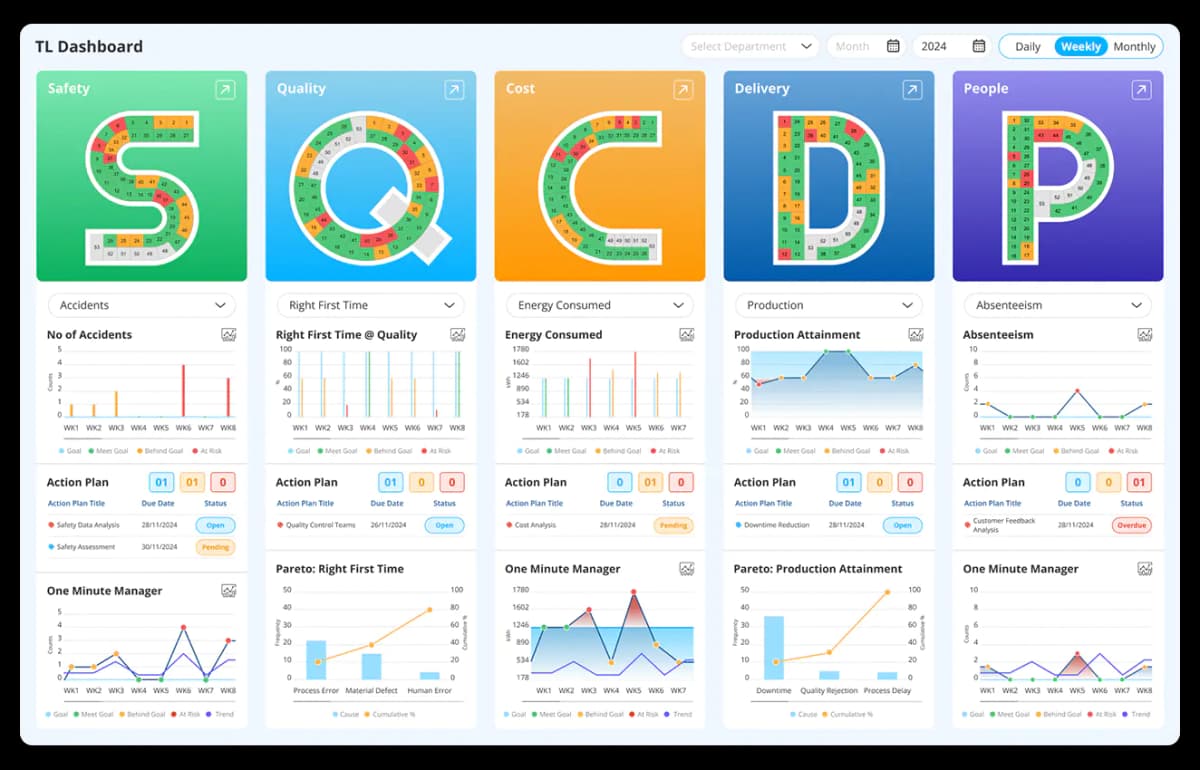
This is your implementation guide. It explains how to upgrade from Excel data to real-time SQCDP dashboards.
“The template helps you start. The guide helps you upgrade. Data Point helps you sustain.”
A Clear Next Path with SQCDP
Get a structured way to decide the right next step for your SQCDP implementation
Book a 30-minute SQCDP Setup Call
We'll guide you in choosing between the manual Excel template or the Data Point digital SQCDP system to suit your team’s needs.
Who This SQCDP Template Is For
This starter pack is ideal if you are:
- Launching SQCDP or Daily Management for the first time
- You need a simple, manual tool
- Running daily huddles but struggling with consistency
- Feeling Excel is almost working - but fragile
- You prefer basic, no-frills tracking
This Is Not Ideal For You If
- You manage multiple teams or locations
- You need real-time updates and accountability
- You require a scalable, automated system
- You're ready to move beyond Excel tracking
- You need a robust system for larger operations
Excel Template vs SQCDP Software
A simple comparison to help you understand when an Excel SQCDP template is enough — and when it's time to move to a scalable, real-time SQCDP software solution.
| Area | Excel Tracker | Data Point SQCDP software |
|---|---|---|
| Setup | Fast (manual) | Fast (guided) |
| Daily updates | Manual entry | Manual or automated |
| Multi-shift | Fragile | Native |
| Actions & ownership | Manual tracking | Embedded workflow |
| Escalation | Meetings only | System-driven |
| Trend visibility | Limited | Real-time |
| Audit trail | Weak | Full traceability |
| Time to scale | High effort | Immediate |
How Teams Typically Progress With Excel
And Digital System
Explore how teams operating with Excel-only systems and digital execution systems experience progress and visibility in the early stages.
 Excel Roadmap
 Digital Execution System Roadmap
Not sure which path is right?
We'll help you:
- Validate your current approach
- Decide whether Excel is enough (for now)
- Understand what moving to digital actually involves